ISO/IEC 27001
Mapping to ISO/IEC 27001 controls
The platform is not ISO/IEC 27001 certified. It can, however, help your information security management system with several Annex A controls.
Contents
A clear starting point
ISO/IEC 27001 certification applies to an organization and its information security management system (ISMS), not to software. RackIntelligence is not ISO/IEC 27001 certified and does not claim to be.
What we can do is show you how the platform fits into your ISMS: which Annex A controls (2022 version) it helps implement, and what remains your responsibility. The table below serves as a basis for discussion with your CISO or your auditor.
Mapping table
| Control | What the platform brings | What remains with you |
|---|---|---|
| 5.9 Inventory of information and other associated assets | Equipment survey from photos, compared U by U to your inventory; audit of the estate by status. | Inventory policy, asset owners, survey frequency. |
| 5.15 Access control, 5.18 Access rights | Accounts created by an administrator, separate roles. | Assignment rules, periodic review of accounts and roles. |
| 8.2 Privileged access rights | Separate administrator role; optional two-level approval before writing. | List of administrators, segregation of duties. |
| 8.5 Secure authentication | Limited login attempts, limited sessions. | Password policy, integration with your directory if needed, to be specified within the project. |
| 8.15 Logging | Action log: analyses, approvals, writes to the inventory, with author and date. | Retention, centralization and review of logs. |
| 8.8 Management of technical vulnerabilities | Signed releases, checked at installation; reporting channel. | Applying updates, monitoring of the host and containers. |
| 8.19 Installation of software on operational systems | Compiled delivery in containers; signature checked at installation and at each startup launched by the installation script. | Change procedure, approval before going into production. |
| 8.13 Information backup | Data grouped on your infrastructure, in identified locations. | Backup, restore tests, retention of copies. |
| 5.23 Information security for use of cloud services | Installation on your servers; no online service required to analyze a photo. | Choice and control of hosting. |
This mapping is indicative. The applicability of each control is decided in your Statement of Applicability.
Inventory, at the heart of control 5.9
Control 5.9 requires maintaining an accurate and up-to-date inventory of assets. This is precisely the problem the platform seeks to solve: a declared reference inventory on one side, the field on the other, and discrepancies that accumulate between the two.
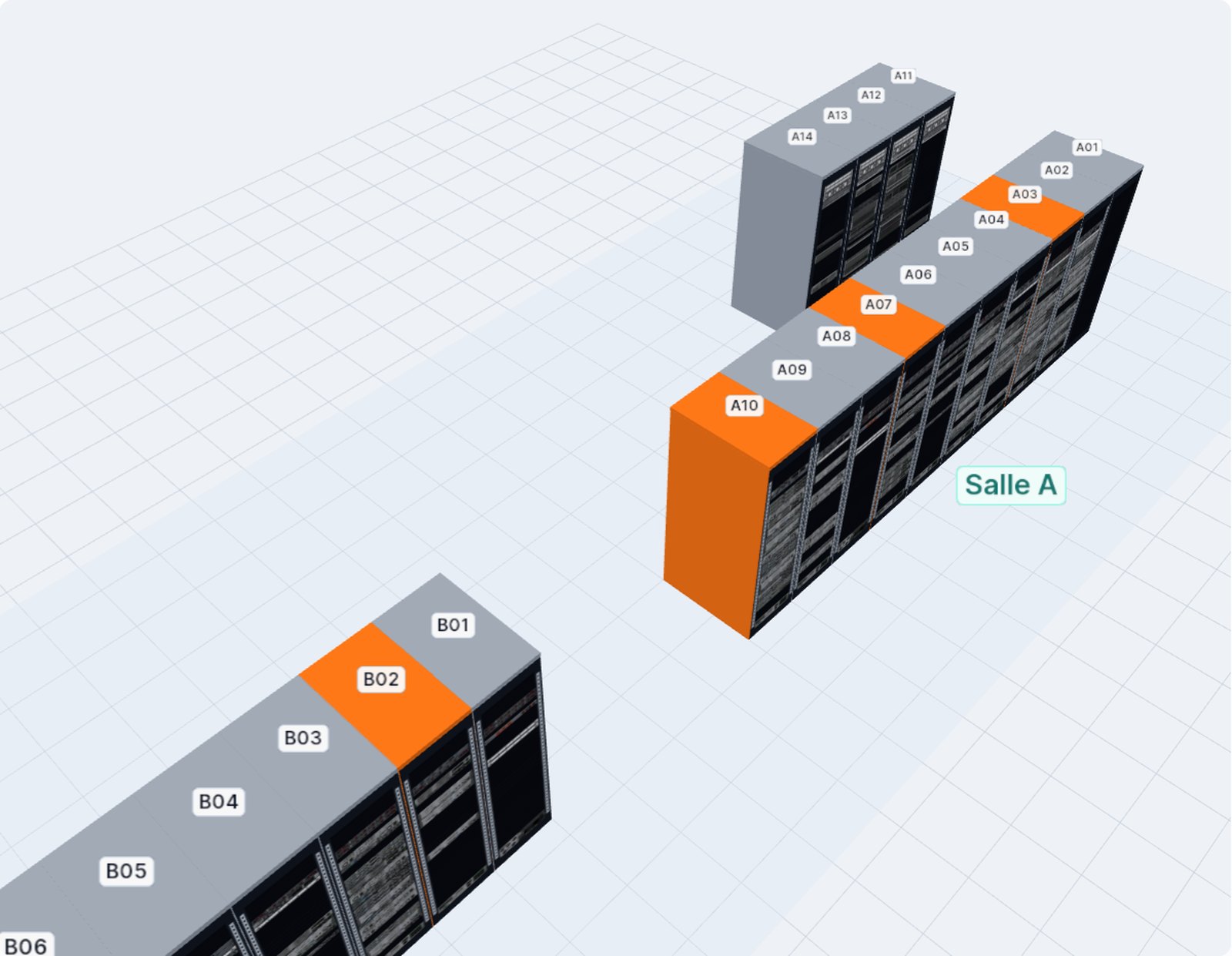
With a linked inventory, each survey compares the photo to the inventory, U by U: matching, different from the inventory, missing from the inventory, declared but not seen. The audit page then classifies all racks: never surveyed, changed in the inventory since the survey, old survey, pending discrepancies, up to date. You thus have dated evidence of the verification of your inventory, rack by rack.
What the platform does not cover
A tool does not replace an ISMS. Several topics remain entirely your responsibility:
- risk assessment and risk treatment;
- physical security of the rooms and servers that host the platform;
- host security: operating system, network, monitoring;
- backup and continuity, with your own tools;
- review of access and logs, at the frequency you set.
Preparing for an audit
If the platform falls within the scope of your ISMS, a few items make the auditor’s work easier:
Describe the installation
Servers, containers, flows to your inventory tool: the architecture document provided within the project serves as a basis.
Show the access
List of accounts and roles, extracted by an administrator.
Show the traces
Extracts from the action log and dated surveys, with engine and version.
Show the inventory
CSV exports of the survey plan and of the inventory, site report in PowerPoint.
To get this table adapted to your Statement of Applicability, contact us.
This page describes the product. It constitutes neither a certificate of conformity nor an auditor’s opinion.