Security
Installed on your servers: the photos stay with you
Room photos, inventory, logs: the platform is installed on your infrastructure, in containers, and analyzes photos on site. What this implies, and how the installation goes.
Contents
A photo of a technical room is not a harmless image. It shows how a site is organized, the type of equipment, sometimes labels and internal markings. An inventory, for its part, describes an entire network. This data belongs with you, and nowhere else.
That is why the platform does not work like an online service. It is installed on your servers, and that is where it analyzes the photos.
What stays with you
Once installed, the platform keeps all the data it produces or receives on your infrastructure. Nothing is copied elsewhere for it to work:
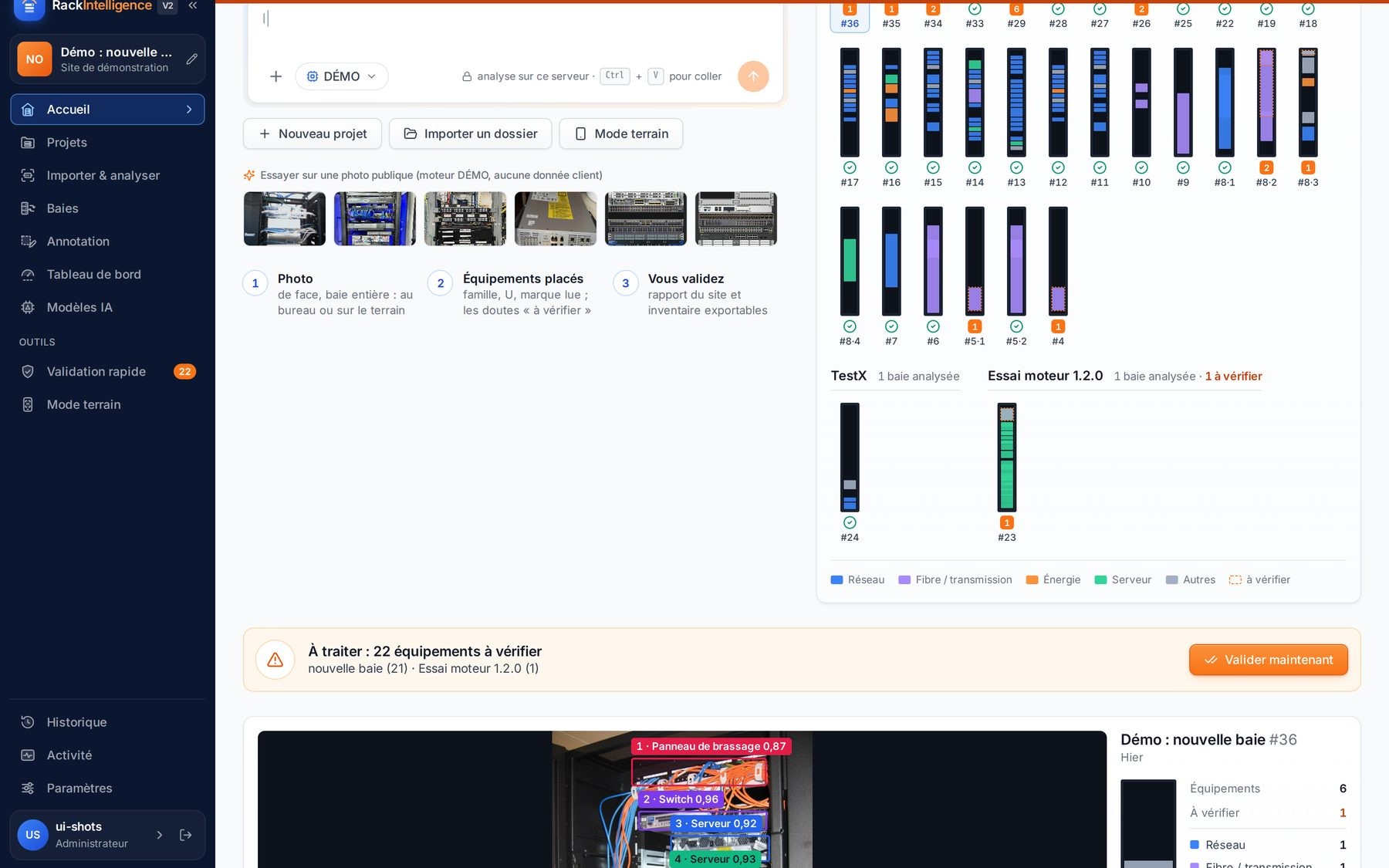
- the photos of racks, taken at the office or in the field;
- the surveys: detections, corrections, decisions, comparisons with the inventory;
- the inventory of projects and the site reports;
- the logs: who did what, when, on which rack;
- the user accounts and their roles.
Analyzing a photo requires no online service. The engine runs on the same server as the rest of the platform: the photo does not leave your network to be analyzed.
Why not an online service?
An online service is easy to try, but it requires sending your photos and your inventory outside your network. For an operator, a hosting provider or a large company, this raises legitimate questions: where the images are stored, who can access them, how long they are kept, which law applies to them.
By installing the platform on your premises, these questions have a simple answer: the data stays under your control and follows your own security, backup and retention rules. Your teams apply the same policies to the platform as to their other internal applications. The topic is covered in Sovereign and on-site hosting.
A container-based installation
The platform is delivered as containers. This format has two advantages for your operations teams: it isolates the platform from the rest of the system, and it installs the same way whatever Linux distribution runs on your servers.
Precise server sizing, the choice between a physical and a virtual machine, and integration with your monitoring are defined with you, as part of the project, based on the number of sites, racks and users.
Prepare the server
Your teams provide a server, physical or virtual, with a container engine, following the procedure supplied as part of the project.
Verify the release
The delivered release is signed. Its signature is verified at installation, before any startup: a modified release does not install.
Install the license
A single license is verified by every component. Without a valid license, the platform does not start.
Connect your inventory tool, if you use one
You create in your tool a token dedicated to the platform, with the rights you choose; the connector is adapted on request. Without an inventory, the platform runs as a standalone edition.
Create the accounts
An administrator creates the user accounts and assigns each one a role. There is no open sign-up.
Delivered compiled, under license
The platform is delivered compiled. You install a finished product, not source code to maintain. Each new release follows the same path: delivery, signature verification at installation, then startup if the license is valid.
This also protects your installation: a release that was altered between its publication and its installation is rejected. Details are in Signed updates and license.
What the platform calls, and only that
A platform installed on your premises must not depend on external services behind the scenes. The System page shows the services the platform actually reaches and their status: the analysis engine, label reading, the inventory connector.
Your network teams can thus check what is expected and compare it with what they observe on their firewalls. Access to your inventory tool goes through a connector and a dedicated token: you know through which channel the platform reads and writes, and you can revoke that token at any time. See also Subprocessors and network flows.
Access and control
Access to the platform is restricted to accounts created by an administrator. Roles distinguish in particular those who survey, those who approve writing to the inventory and those who administer. Sessions are time-limited, and repeated sign-in attempts are throttled.
These rules also apply to technicians in field mode: a phone does not open any special access, it uses an account like any other, with its role.
The action log keeps analyses, approvals and writes to the inventory. It also stays on your infrastructure, and can be reviewed by your security teams.
FAQ
Is an internet connection needed to analyze a photo?
No. The analysis engine runs on your server, and no online service is required to analyze a photo.
Can technicians survey from a phone?
Yes, in field mode. The phone connects to the platform installed on your premises, according to the network access you define: the photo is sent to your server, not to a third-party service.
Can it be used without an inventory?
Yes. The standalone edition covers projects, analysis, reports and exports.
Can we try it before installing?
Yes. Before any installation, you can see the platform on our demo data, or on a few of your photos analyzed on an isolated instance. Request a demo, or describe your estate to get a quote.