Method
Two-level approval before writing to the inventory
Your inventory is your reference: you do not write to it on the strength of a photo alone. How the platform organizes the human decision, from a single approval to a propose-then-approve workflow.
Contents
A reference inventory is only valuable if it can be trusted. If every photo survey could modify the inventory without control, the inventory would quickly become as uncertain as the photos themselves. The platform therefore starts from a simple principle: it proposes, a person decides.
This article describes how this principle applies in practice, and how to adapt it to your organization with two-level approval.
The principle: nothing without approval
Comparing a photo with the inventory produces discrepancies. Each discrepancy is a proposed change: create a device, move one, correct a type. Until someone has accepted it, a proposal changes nothing in the inventory.
This choice has three practical consequences:
- a detection error remains a line to correct, never wrong data in the reference inventory;
- every change to the inventory has an identified author and a date;
- the survey keeps the photo that led to the decision.
Human control is not an option that could be turned off to go faster. It is how the platform is designed.
One level or two: your choice
In the simplest setup, a single person handles the discrepancies and applies them. This suits a small team, where the same person knows both the field and the reference inventory.
In many organizations, these roles are separate. The technician who surveys the rack is not the one who administers the inventory. Two-level approval matches this split:
- first level: one person handles the discrepancies and proposes the changes;
- second level: another person, with the appropriate rights, approves or rejects these proposals, and only approved proposals are written to the inventory.
This split has another advantage: the person who approves does not need to travel. The photo, the comparison and the proposal are enough to decide, from their desk, which changes to make in the reference inventory.
This second level is optional. It is decided according to your internal rules, not a constraint of the tool.
The workflow, step by step
The survey is compared
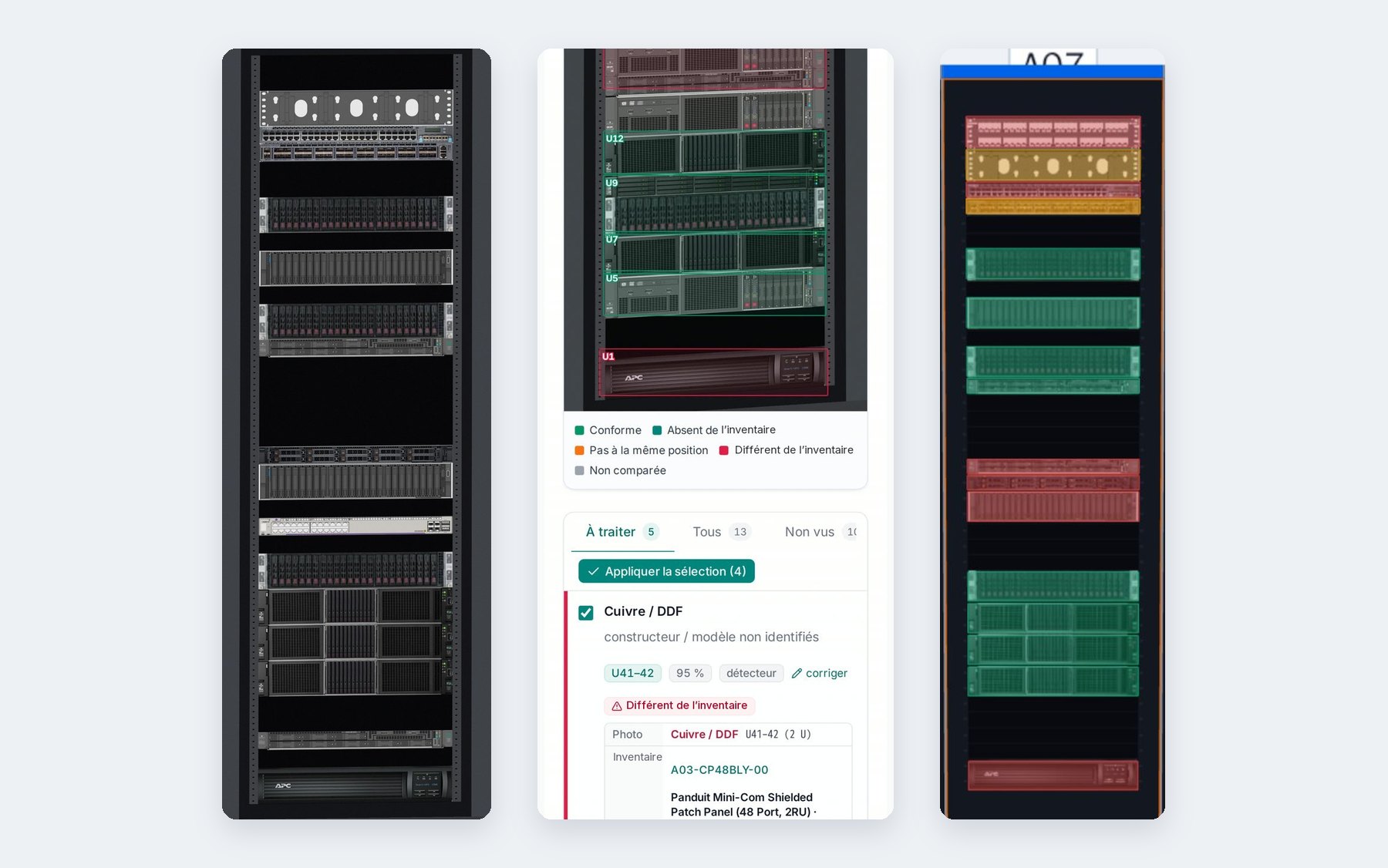
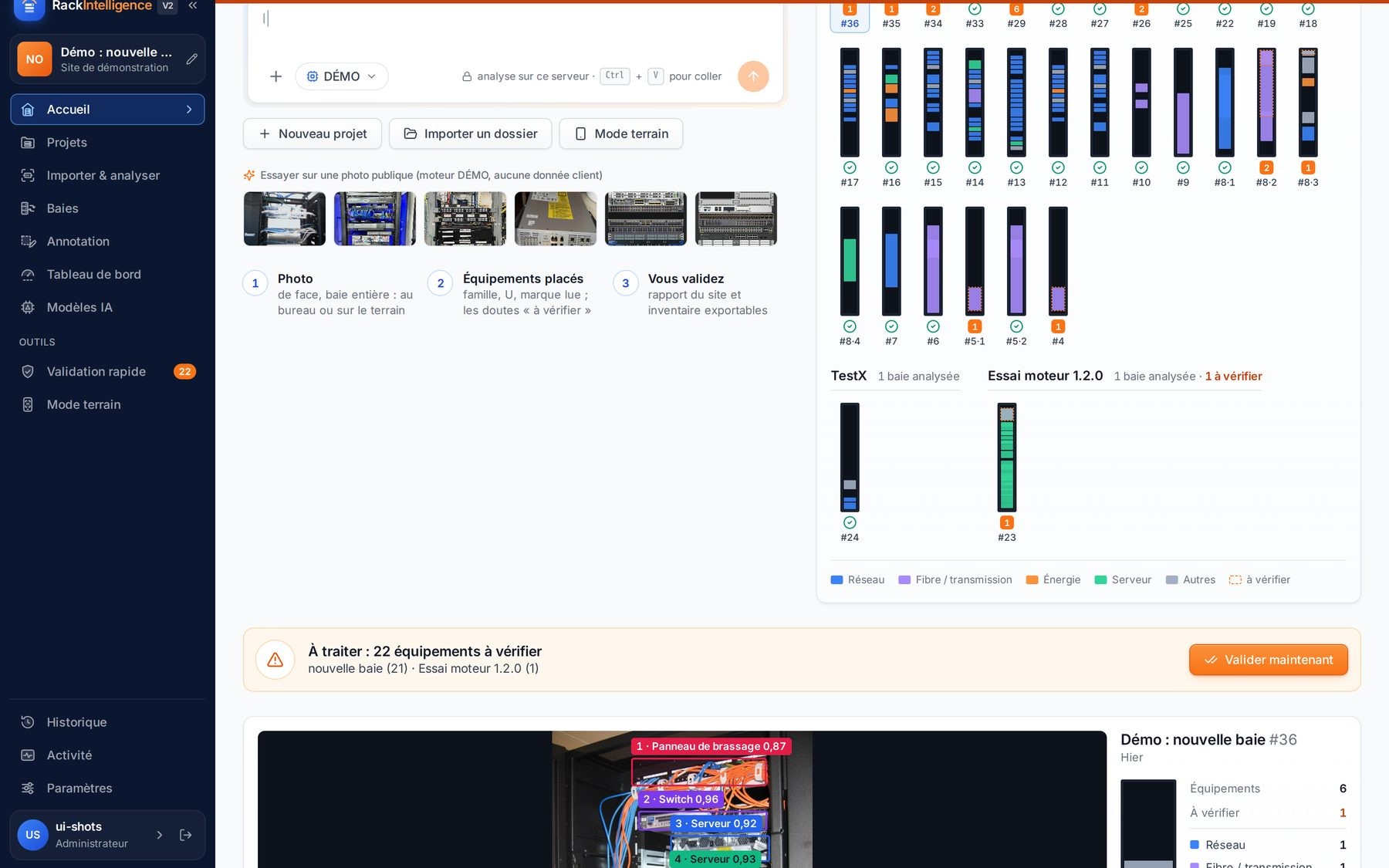
The rack photo is compared U by U with the inventory. Discrepancies appear in the “To handle” tab, each with the photo alongside.
The first level handles them
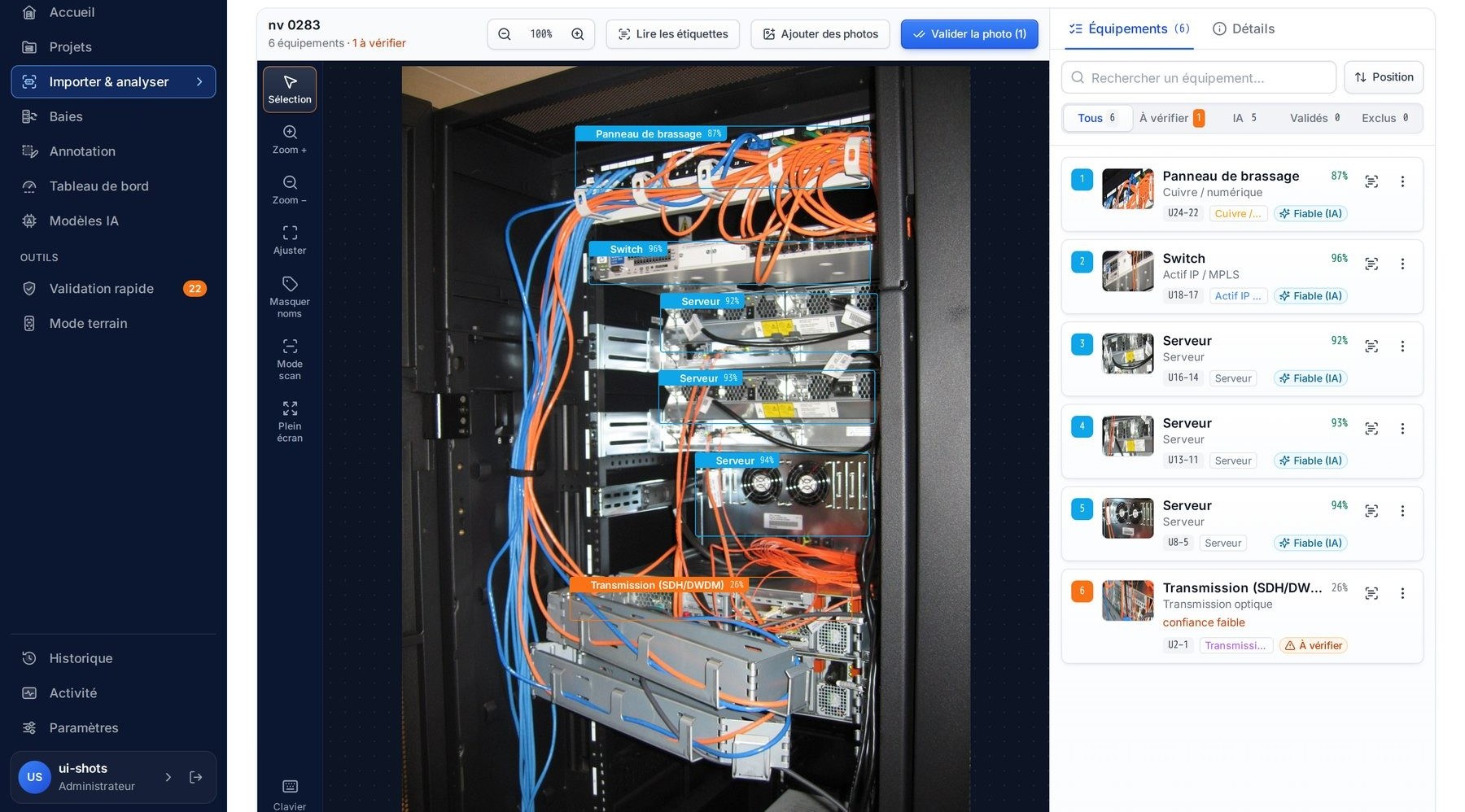
For each discrepancy, the person looks at the photo, corrects the proposal if needed, or ignores it. They check the lines to keep.
The proposals go for approval
With the two-level workflow, “Apply selection” does not yet write to the inventory: the proposals move to the “To approve” tab.
The second level decides
The approver reviews each proposal, with the photo and the current state of the inventory. They approve or reject.
The inventory is updated
Approved proposals are written to the inventory by the connector. They move to the survey’s “History” tab.
Rejecting a proposal
A rejection is not a failure of the workflow: it is precisely what it exists for. The approver can reject a proposal that looks doubtful, for example a removal based on a “not seen” device when they know it is mounted at the rear. The rejected proposal is not written to the inventory, and the decision remains recorded with its author.
If the doubt concerns the photo itself, the best answer is often a new survey: a better-lit photo, or a photo of the other face. The previous survey remains available, and the comparison can be rerun with “Compare again”.
What the approver sees
Approving a proposal without context would amount to signing blind. The approver therefore has the same elements as the person who proposed:
- the photo, with the box of the device concerned;
- what the photo shows and what the inventory says, side by side, over the same U range;
- the detection confidence and, where applicable, the “to check” mention;
- the proposed change, and its author.
If a generic type was proposed because the exact model could not be identified, the “to check: generic type” mention remains visible until an official type from the inventory is chosen. The approver thus knows what is established and what is not.
Accounts, roles and audit trail
Two-level approval relies on the platform’s accounts and roles. Accounts are created by an administrator; roles determine who can survey, who can propose, and who can approve writing to the inventory.
Every action is recorded in the log: who proposed, who approved, when, on which rack. On the inventory side, access goes through a connector and a dedicated token: you know exactly through which channel the platform writes, and you can restrict its rights in your inventory tool as for any other client.
To go further on these topics, see Accounts, roles and rights and Logging and traceability.
Why not automate everything?
The question comes up often: if the detection is good, why not write directly? Because a photo, even a sharp one, does not tell everything. A device can be hidden, a label unreadable, a model very close to another. And an error in the reference inventory spreads: it distorts capacity, work plans and later audits.
The platform is designed to help you decide quickly, not to decide for you. It prepares the work, puts the evidence in front of you, and leaves the decision to an identified person. This is also what the EU AI Act expects in terms of human oversight: see EU AI Act.