Planning
Planning and U reservation
An installation is prepared before arriving in the room. RackIntelligence shows where the equipment really fits, and reserves the space so that it is not taken in the meantime.
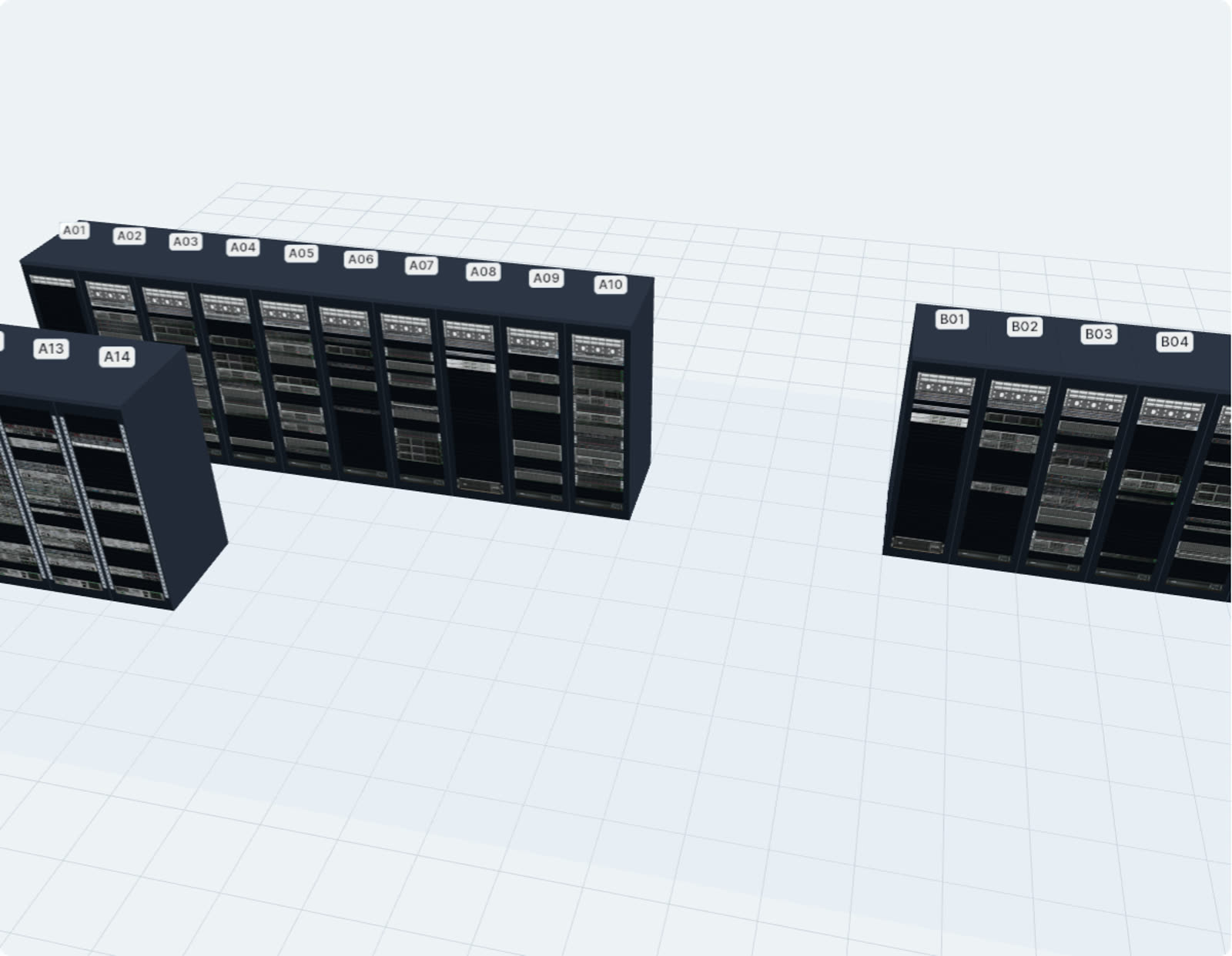
Find the right rack
Enter the equipment’s height, its power and the number of fiber ports: the suitable racks are proposed, with the recommended U position.
Reserve the U
The reservation is recorded in the inventory (your tool’s reservation object): visible to all teams, with its purpose, its author and its expiry date. It is released in one click.
Avoid conflicts
U that are already occupied cannot be reserved, and equipment surveyed on reserved U is flagged in the survey.
Document the reserved space
Reserved U appear in orange in the exported elevation (PDF, PowerPoint, Visio): the installation plan goes out with the right space.